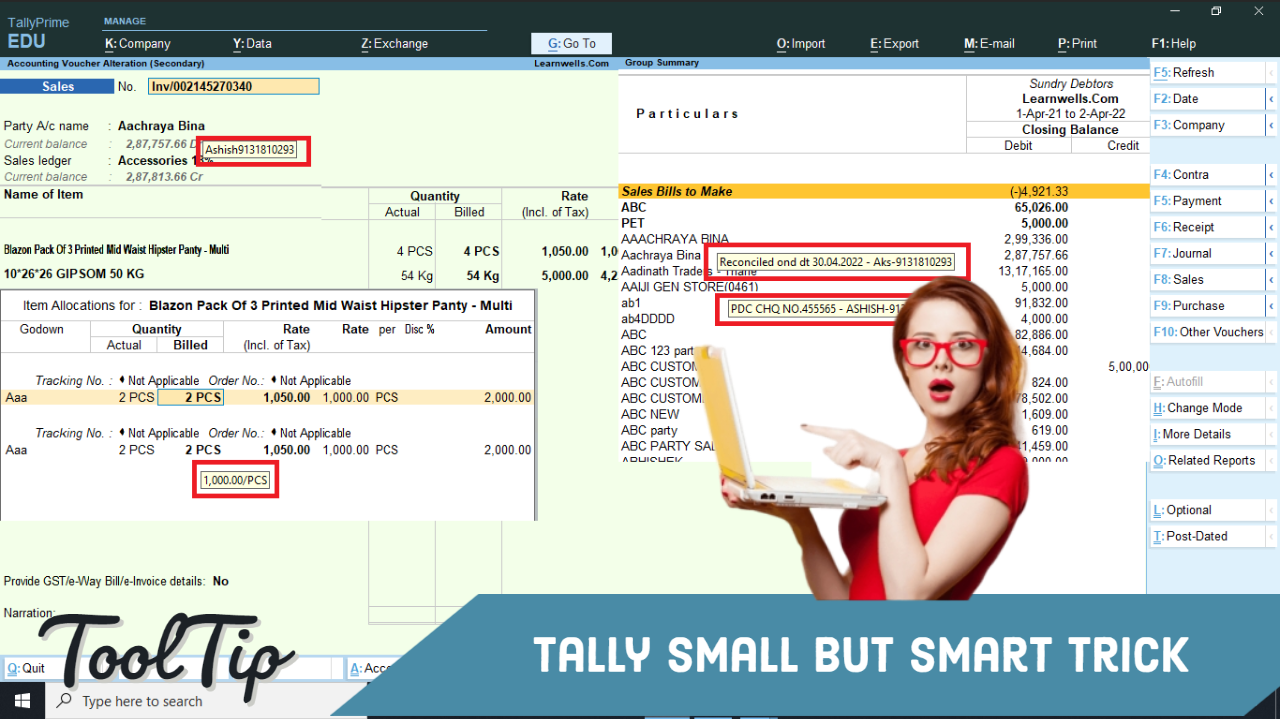
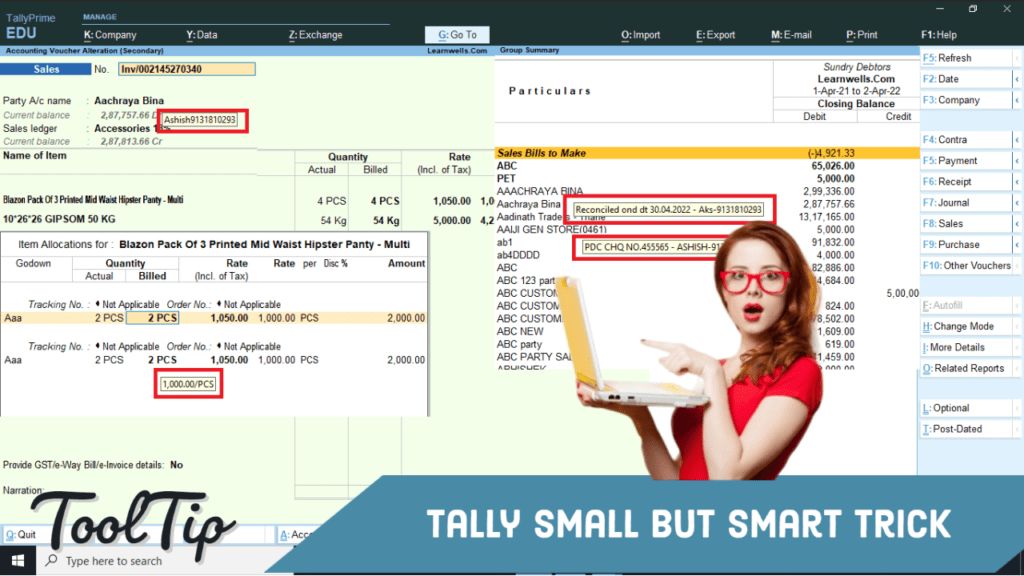
When we use any software or tool related to our business, every time we need help or reminder messages to work properly. In this tool tip and sticky notes play important role. With Tooltip and sticky notes we can find out our problems and solve it easily. In Tally there is no tool tip or sticky notes, so sometime we forgot important things. But with Tally TDL (Tally Definition Language) we can modify our Tally software and can add tool tip for vouchers, group summary and ledgers etc.In Tally TDL tool tip option play important role, by this we can add tool tip like sticky notes. With this we can see ledgers note, ledgers contact details and also can see last sale or purchase rates for billing items. Like this we can create other reports also by adding tool tip in Tally fields section.In this TDL code we use Tally tooltip facility. In this Tally TDL code we can add some additional fields or we can remove extra fields according to our need, and this will work perfectly with Tally Prime. Best simple tdl code see tool tip and sticky notes in Tally.
HOW TO USE TDL CODE:
- Copy below TDL code and make a text file.
- Save text file then load in Tally Prime (Method provided below the code)
- Now go to outstanding reports, or vouchers and move cursor on ledgers.
- Now we can see tool tips for that ledger.
TDL CODE:
[#Field:DSP DispName]
tooltip:$Narration + " - " + $LedgerContact + "-" + $LedgerMobile

[#Field: EI Consignee]
Tooltip:$LedgerContact:Ledger:#EIConsignee + $LedgerMobile:Ledger:#EIConsignee

[#Field:VCHBatch BilledQty]
Tooltip:$LastSalePrice:StockItem:$StockItemName
This is best free TDL to have in your Tally . Must have TDL file for Tally ERP9 and Tally Prime that can use for lifetime. This free TDL Code will perfectly work with Tally Prime.
Watch above video to learn :
- How to add tool tip option in Tally
- How to alter Tally field section.
FOLLOW THE BELLOW INSTRUCTIONS TO LOAD TDL FILE IN TALLY:
- Make a Text file of above code
- Save it in to your computer
- Copy the text file path including Name and extension (as – C:\Users\HP\Desktop\rec\Business Summary.txt)
- Open Tally Prime Software
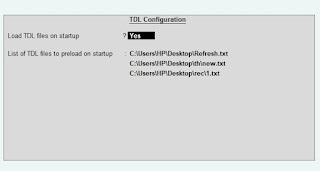
- Click on Help and click on TDL & Addon (for Tally Prime)
- Press F4 (to open a Box)
- Set Load TDL file on Startup – Yes
- Paste The path in blank space
- Press enter and save
- Now your Tooltip TDL is ready to use
-
Convert PDF and Images to Excel Automatically with AI
Convert PDF and Images to Excel Automatically with AI. Whether you are an accountant managing hundreds of invoices or a data specialist handling complex reports, AI-powered OCR technology is your new secret weapon. USE BELOW TOOL TO CONVERT PDF OR IMAGE TO EXCEL TABLE Convert PDF and Images to Excel Automatically with AI Use this…
-
The Ultimate Excel to Tally Bank Import Utility Online
We have launched a powerful Online Bank to Tally Utility at e2t.in. This Excel to Tally Bank Import Utility Online is designed to simplify your workflow, allowing you to convert Excel bank statements into Tally-ready data in seconds. How to Use Excel to Tally Bank Import Utility Online Also check online PDF and Image to…
-
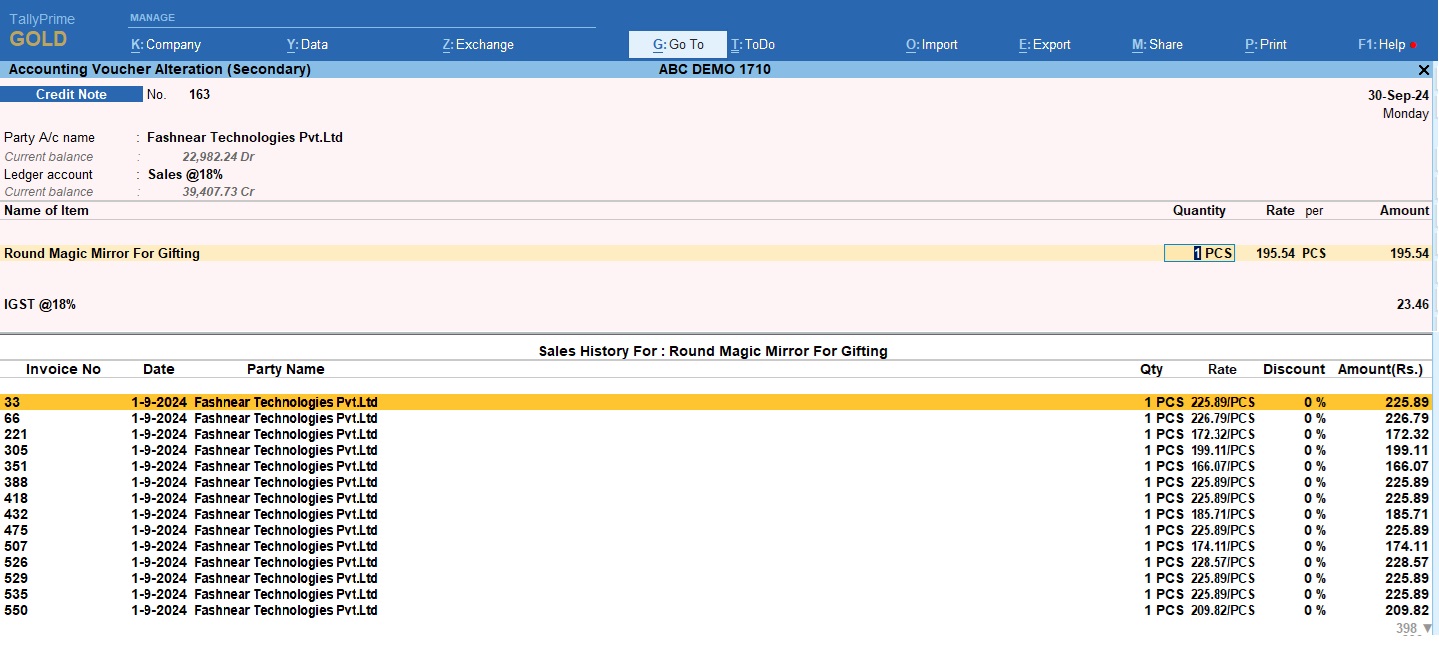
2025 Best Item Sales History Tally Prime TDL | Free Tally Prime TDL to See Item Sale History
2025 Best Item Sales History Tally Prime TDL. Tally Prime is a Best Business software, you can also use it for accounting purpose. Tally is very simple software to use but sometimes we need more flexibility and more simplicity, so we use TDL files. In Tally Prime, keeping track of item sales history while invoicing…